Plan a brush-wipe end card for a product launch video
Use your last shot or an approved background for the brush-wipe end card. Reveal a brush stroke behind one call to action, then hold the finished card long enough to read with the sound off. You can sketch all three frames without installing the Skill.
Sketch the closing shot, brush reveal and final hold
- Freeze the closing shot and mark where one short call to action will sit. Write the next step as a verb and an object, such as “Try the demo.”
- Reveal the brush stroke behind the text. Bring in the words once the painted area is wide enough to make them readable. If the shot is busy, choose a paint color that gives the letters a clear contrast.
- Hold the finished card. Watch it muted at phone size and ask someone to read the line and name the next step. If they cannot do both before the cut, shorten the line or hold it longer.
Compare your brush placement with the sample
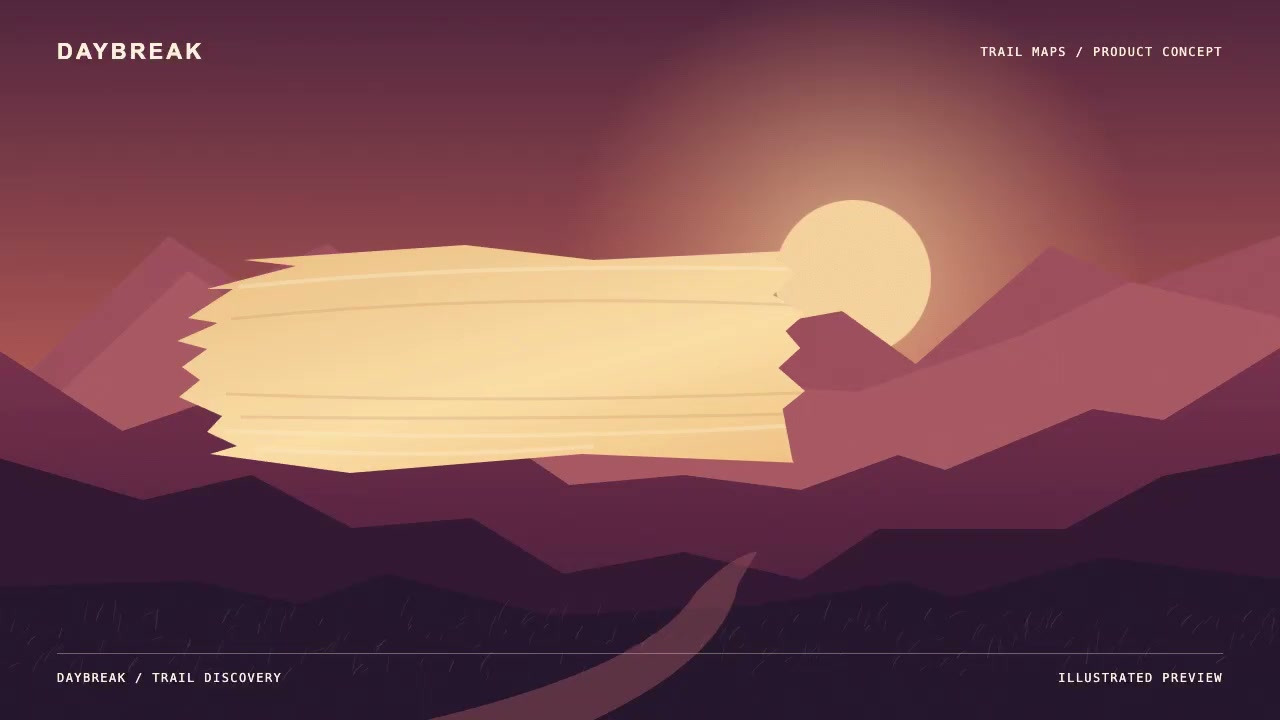
The Brush Painted Signoff reference marks the brush reveal from 3.50 to 5.12 seconds and the final hold from 5.67 seconds to the end of the 9-second sample. Open the 4.45-second reference still to see where the brush crosses the frame and how much room it leaves for the closing line. Set the hold in your own cut using the mute check.