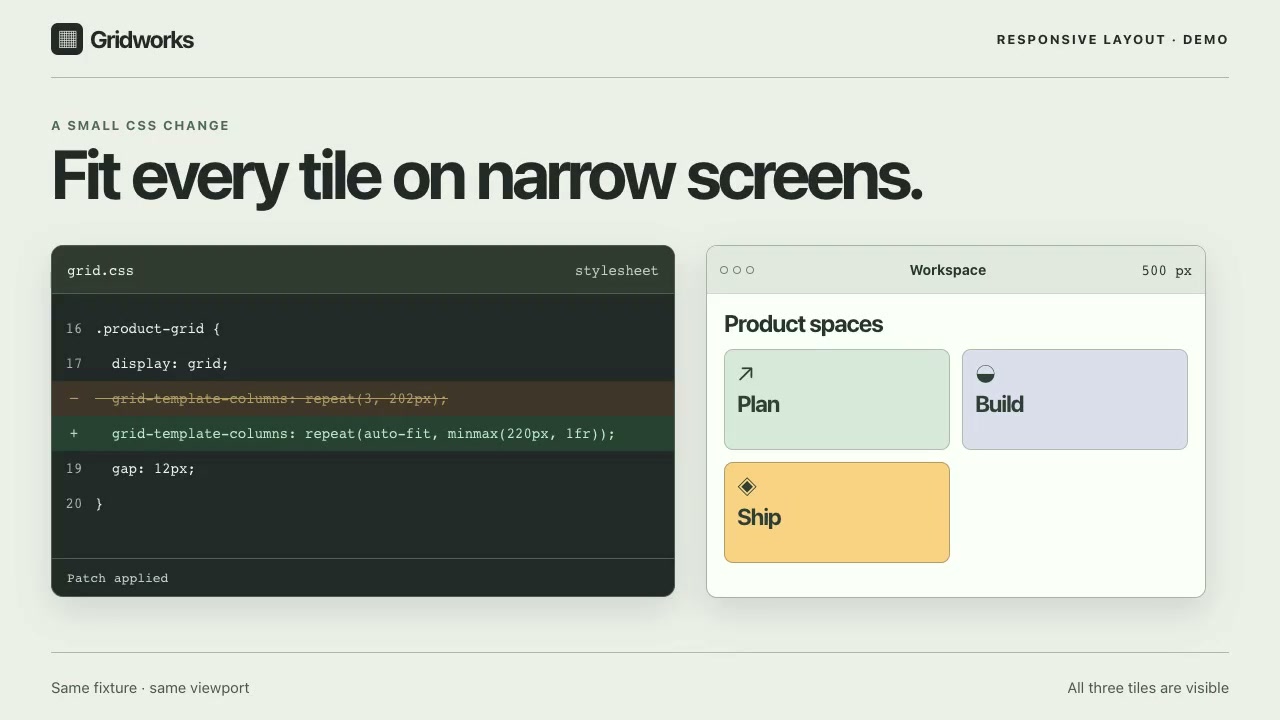
How to film a code diff to interface demo
Film the same screen before and after one code change. Keep the viewport and sample data fixed, show the exact changed line, and hold the result long enough for a viewer to compare the two states.
Before-and-after capture checklist
- Before: Record the baseline build. Note the build ID, viewport width and height, zoom, scroll position, and sample data. Keep the part that will change in frame.
- Diff: Show the file name and the exact removed and added lines. Use builds that differ only by that edit.
- After: Load the build with just that edit. Match the original framing and data. Hold the changed line next to the result until both are readable.
- Review: Pause on both states at the final viewing size. If the crop, data, or viewport changed, recapture the mismatched shot.
Illustrative CSS example: fit three tiles in the same grid
This standalone example is not the source code from the Launchry preview. Both states use a 240px-wide grid with the same three tiles (One, Two, and Three), an 8px gap, and hidden overflow. Only the column rule changes.
- grid-template-columns: repeat(3, 100px);
+ grid-template-columns: repeat(3, minmax(0, 1fr));Compare your framing with the Launchry preview
Open the Code Diff to Interface preview page or inspect its 6.8-second reference still. The preview page describes the third tile becoming readable at the same viewport width. Use the still to decide where to keep the grid edge in your own shots. The checklist does not require the Premium Skill.