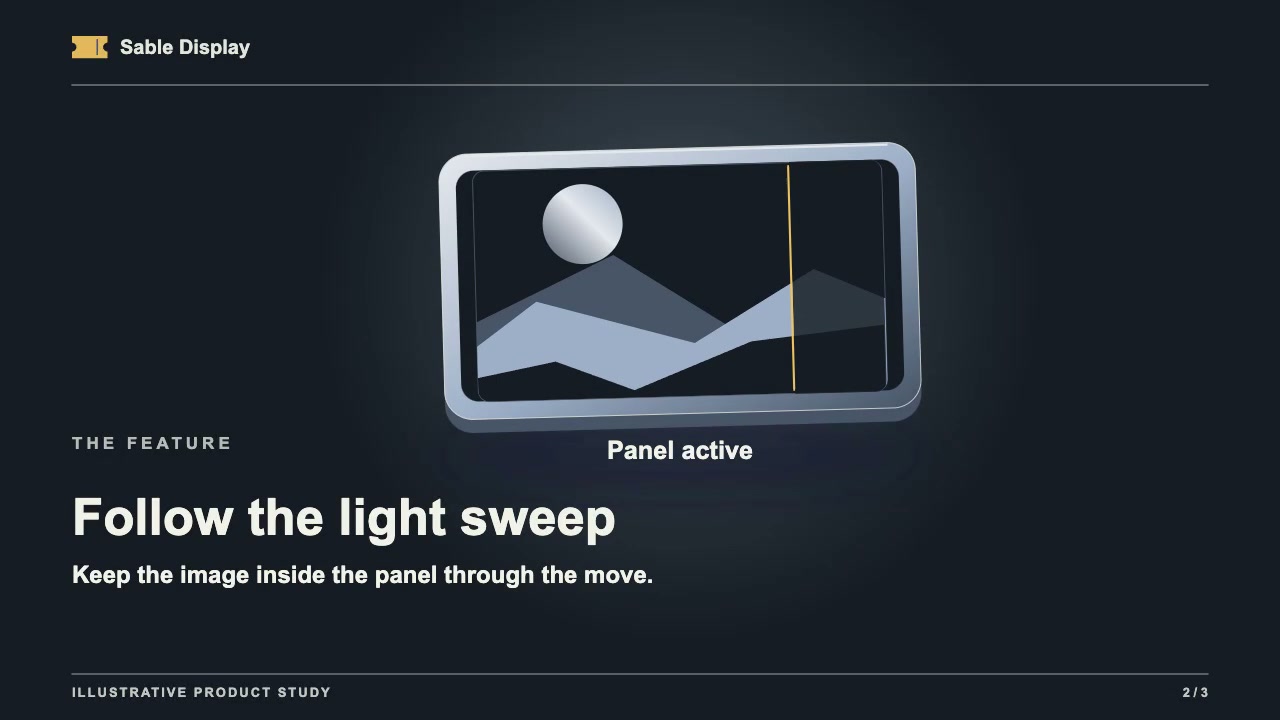
Storyboard a device screen reveal in three frames
Sketch the device before, during and after the sweep. Trace the screen border so you can spot any artwork that spills onto the bezel. Then show the final frame at viewing size and see whether someone can identify the feature without a caption.
Draw the screen before, during and after the sweep
Use a device image and screen artwork you have permission to publish. Draw the three frames at the same aspect ratio as your video. Keep the device in the same position in all three sketches.
- Start: Trace the inside edge of the screen, including any rounded corners. Mark where the sweep begins and where the feature will appear.
- Mid-sweep: Draw the moving edge halfway across the display. Check where both ends meet the traced border. If any artwork reaches the bezel, trim it to the screen outline and check the corners again.
- Finish: Show the full reveal at the intended viewing size. Ask someone who has not seen the sketch to point to the feature and name what it shows. If they cannot read it in the still, revise the crop or enlarge the feature. If they can read it when paused but miss it in playback, hold the final view longer.
Compare the middle frame with a reference still
Open the 7.12-second reference still from Display Event Reveal. The sample page captions it “Keep the image inside the panel through the move.” Use it to compare where the image stops. A single still cannot verify the whole sweep; once you animate, scrub through the move and check the border again. You do not need the Premium Skill to do this storyboard check.