

Vertical product feature video example
- Portrait stack
- Fixed phone
- Rust feature cue
- Clear margins
Plan a 9:16 product update video
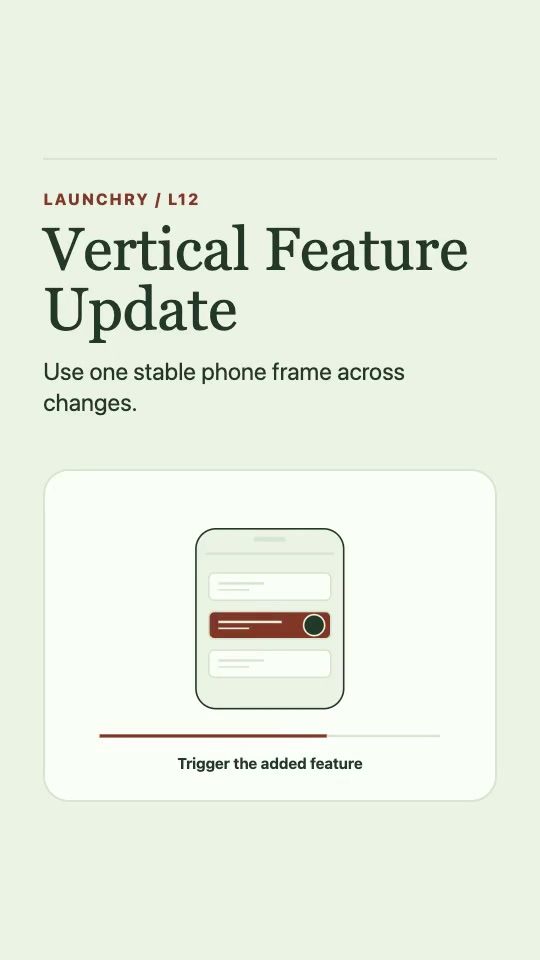
The 12-second example keeps one phone frame in view while the highlighted action moves from the starting screen to the result.
This page provides a public shot-planning guide. The Vertical Feature Update Skill is marked Premium; its access is checked separately.
- Set the starting screen. Frame the control and keep the phone still.
- Trigger one feature. Record the real tap or swipe. Use the same crop across the cut.
- Hold the result. Give the viewer time to read what changed in the interface.
Bring one screen recording or a matched set of before, action and after frames. Preview the portrait export on a phone with the sound off.
Watch a full product demo and read its shot listProduct feature video planning template
Fill in this text brief for a portrait feature update. It is a planning template, not a downloadable editing project.
- Feature and viewer: [one feature] for [the person using it].
- Starting screen: [what is visible before the action].
- Action: [the exact control label and tap or swipe].
- Confirmed result: [the visible change the viewer can check].
- Source files: [screen recording or matched before, action and after frames].
- Portrait check: [the control, result and labels that must remain readable with platform controls visible].
Use the 12-second, 9:16 example above as a reference. Adjust the timing if your action or result needs longer to read.
Check the safe area before publishing
Keep the feature control, its result and short labels within the central area of the portrait frame.
Preview the video with the destination platform's interface visible. Check that app navigation and platform controls do not cover the action or its result, and that labels remain readable on a phone.