

Automatic Calendar Before and After
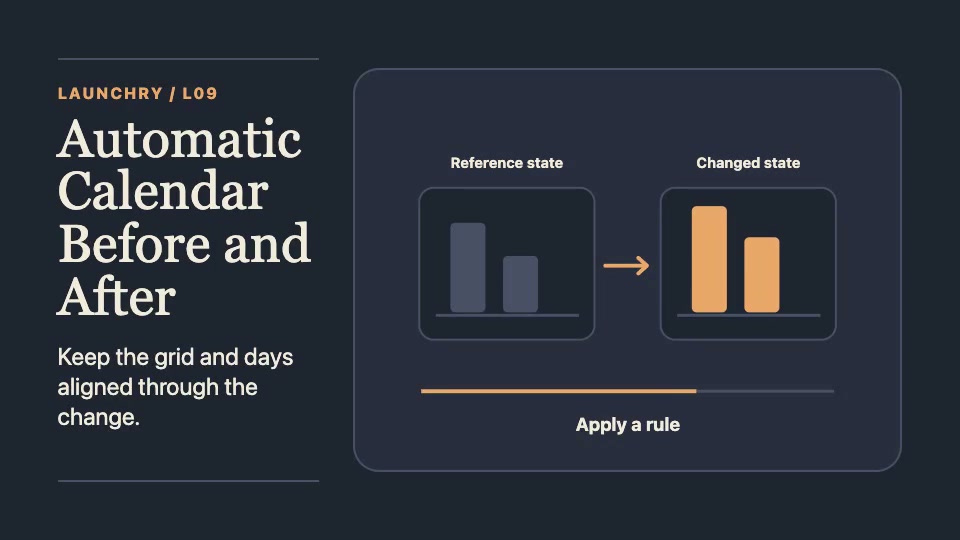
- Matched panels
- Slate baseline
- Amber changed state
Plan a before-and-after automation demo
Use the same calendar grid, day labels and scale in both states so viewers can compare what changed.
- Prepare a starting calendar with dummy data or screenshots you are allowed to publish.
- Name the automation rule and show which items it moves and where they go.
- Hold the result beside the starting state. Keep unchanged items visible as a reference.
This is a public planning guide. The Automatic Calendar Before and After Skill is marked Premium; its access is checked separately.